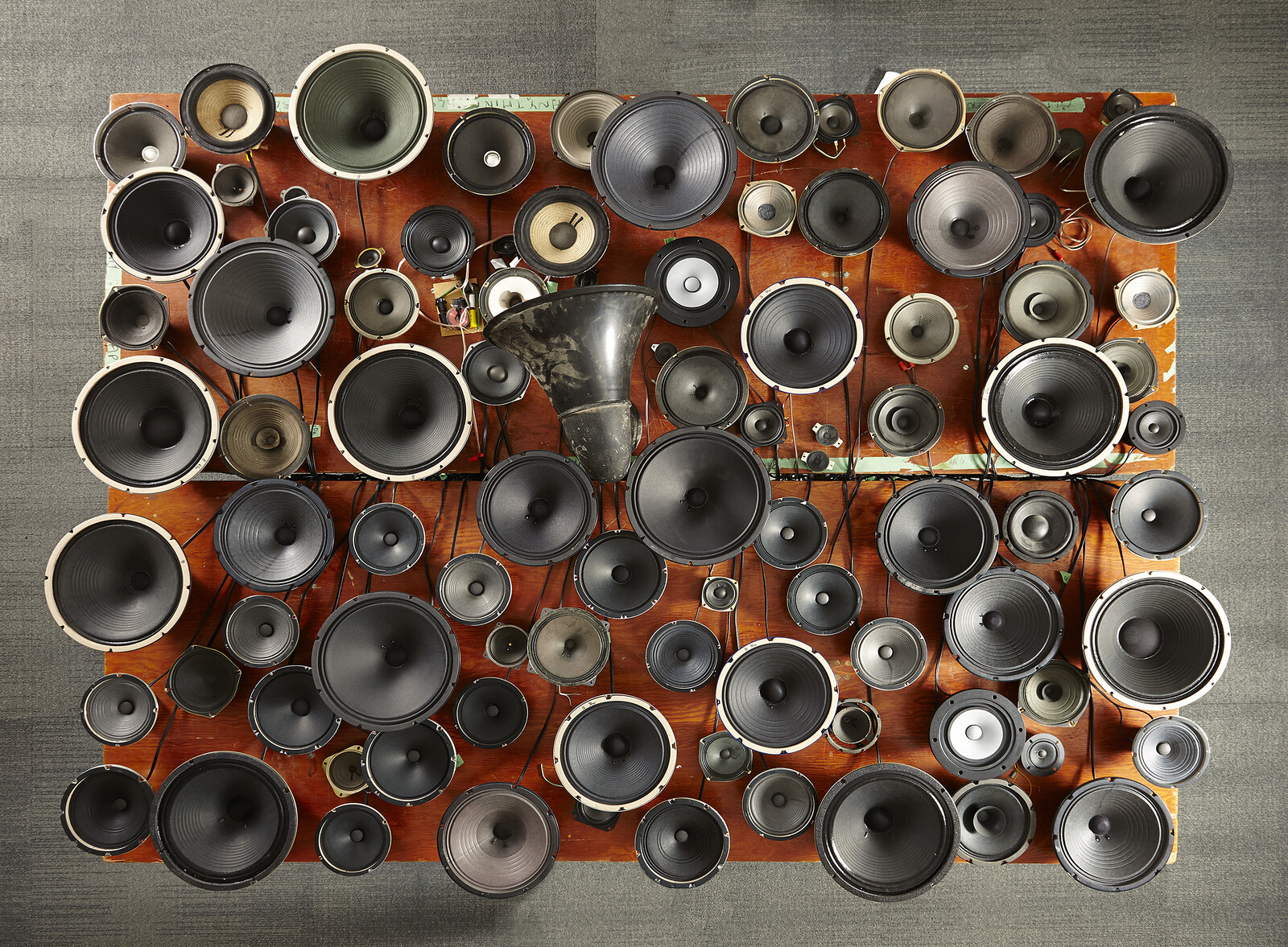
Janet Cardiff and George Bures Miller
Experiment in F# Minor, 2013
Why?
To better understand how a medium functions and how it is used can help you determine how you might approach it and discover new ways to interact with it. In the case of sound, understanding terminology and learning about things like amplitudes, wave forms, and more will help you as you take tutorials because you will understand the jargon used by those in the field.
We won’t be going into too much depth with specific tutorials since experimentation and self-directed study based on individual project needs can be more fruitful. There are tutorials below to get you started, but there is still much that can be learned as you figure out your specific needs. We will introduce you to Audacity since it is a robust, open-source, free software that you can download to you own computers if needed. There are supplementary readings on Audacity which is an Adobe product that is a bit more advanced.
Required
Audio Glossary
Analogue Audio Tape Editing
How to Use Audacity to Record & Edit Audio | Beginners Tutorial
What are Audio Effects? Sound Basics with Stella – Episode 1
EQ Explained – Sound Basics with Stella Episode 2
Reverb and Delay Explained – Sound Basics with Stella Episode 4
Supplementary Readings
- Audacity
-
Audacity Tutorials, LinkedIn Learning
Once you have logged in using your Provo City Library credentials, then you can click here, or do you own search for “Audacity.” - Adobe Audition
-
Learn Audition, Adobe
This series of relatively short video tutorials covers how to use Adobe's Audition, a professional tool for precision audio editing, mixing, and sound effects.Learn How to Use Adobe Audition in 8 Minutes!
“This was a quick tutorial on how to get started with Adobe Audition.”Adobe Audition Tutorials, LinkedIn Learning
Once you have logged in using your Provo City Library credentials, then you can click here, or do you own search for “Adobe Audition.” - Multi-channel Audio Editing
-
Multi-channel Audio Installation Guide
Collin Bradford wrote this guide specifically for BYU students using the equipment available through tech checkout. “How to use the MOTU UltraLite AVB audio interface with your software (Adobe Audition or Max/MSP) to control spatialization of sound in sound installations.”
Response Question
Remember to cite specific instances from the “readings” to support your views.
- What are the most helpful things that you learned, and how might you use this in your own sound art projects?